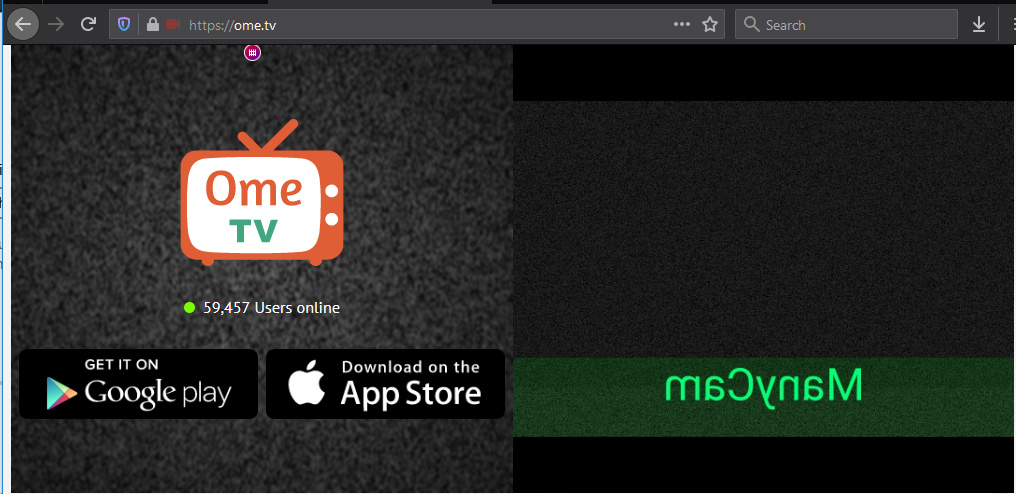
Just tried and it works for me. Steps:
-
Close FireFox (and other apps that may use ManyCam e.g, Chrome, Skype)
-
Rename Manycam Virtual Webcam to “Logitech C615” (it’s better to use ManyCam 7)
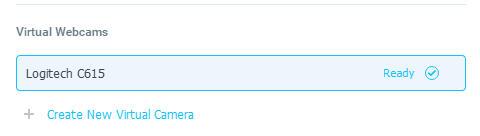
Make sure you don’t add new camera, but rename existing one. You also need any subscription to do this. -
Disable ManyCam Virtual Mic

-
Plug another mic or camera with mic to your PC
-
Open FireFox and ome .tv
-
Select Logitech C615 and the mic from 4. And voilà: